IT Fundamentals
This course is designed to provide students with comprehensive knowledge and practical skills in computer hardware, networking, and operating systems, with a strong emphasis on Windows, Linux, and Mac OS environments. Students will learn how to install, configure, and troubleshoot various hardware and software systems, manage networks, and implement security best practices for both SOHO (Small Office/Home Office) networks and mobile operating systems. The course covers virtualization, cloud computing concepts, and operational procedures, preparing students to effectively handle real-world IT challenges and scenarios.
intermediate
7 Days Free Access
Course Overview
The course is structured to offer hands-on experience and theoretical knowledge in key areas of IT systems management. Beginning with the fundamentals of hardware installation and troubleshooting, the course progresses to local network management, operating system administration, and securing both desktop and mobile environments. Special focus is given to configuring and managing Windows operating systems and troubleshooting common issues using various tools. Additionally, students will explore Linux and Mac OS features, security protocols, and operational best practices, ensuring they are well-prepared for the evolving demands of the IT industry.
By the end of the course, students will have gained practical skills in:
- Installing and configuring hardware and software systems.
- Managing and troubleshooting Windows and other operating systems.
- Setting up and securing SOHO networks.
- Understanding and applying virtualization and cloud concepts.
- Troubleshooting mobile OS and application issues.
Skills you will learn
understand the fundamentals of computer hardware installation, configuration, and troubleshooting
administer local networking hardware and summarize virtualization and cloud concepts
utilize knowldge to set up peripheral devices, configuring applications, and troubleshooting issues
practice and troubleshoot Windows operating systems using various tools
analyze authentication, authorization, network hardening, secure IoT, and mitigate threat
demonstrate the process to establish a SOHO network and troubleshoot mobile OS and applications
Course Structure
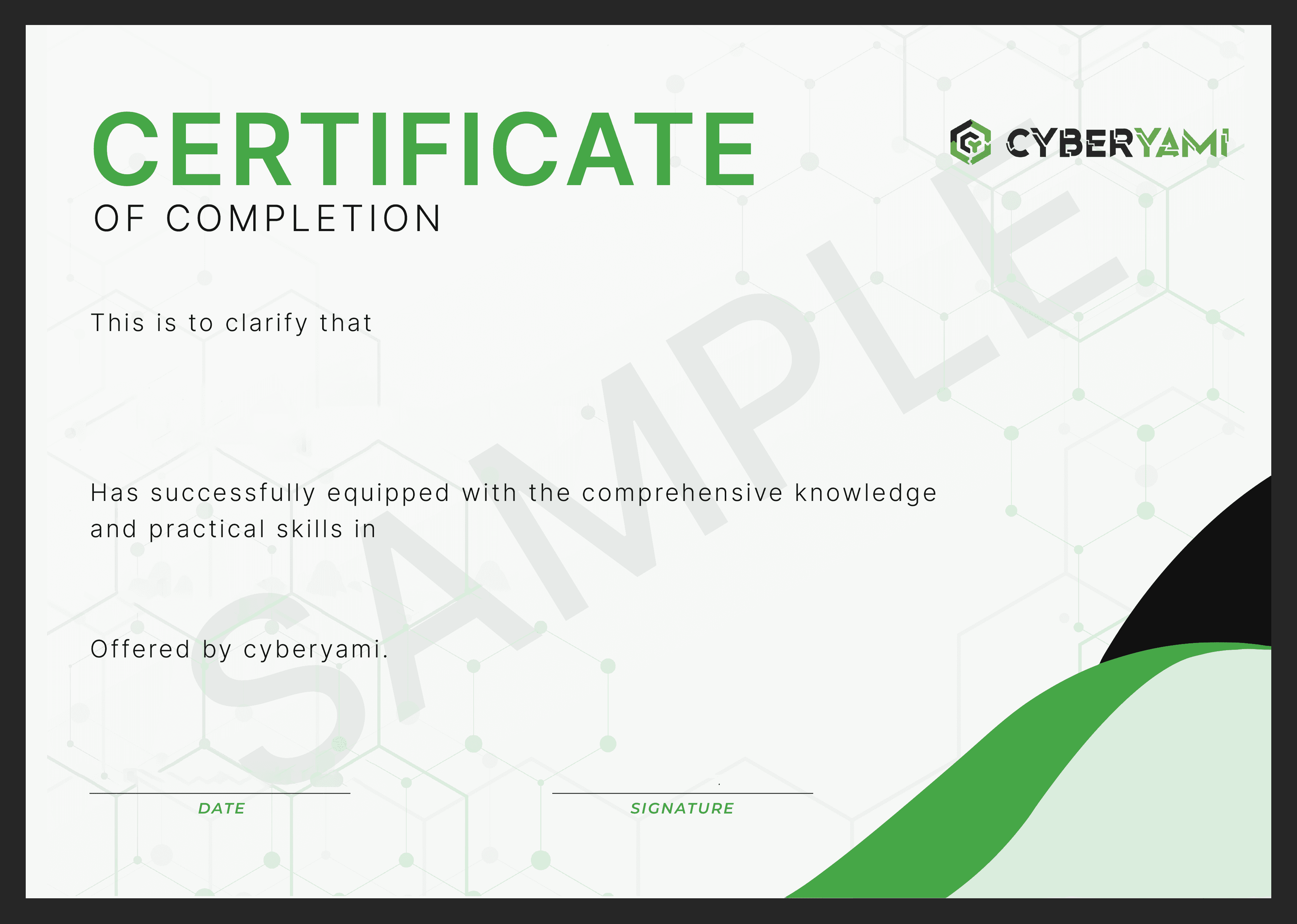
Secure your Completion Certificate
Attain your Completion Certificate and showcase your achievements on LinkedIn. Share your certificate with prospective employers and strengthen your professional network.
Related SkillUp Courses:
Start your 7 days free trial
Discover SkillUp courses for free with a 7-day trial. Access a variety of courses to enhance your skills and knowledge.